At home on every Apple device
One app for Mac, iPad and iPhone, including the foldable iPhone Duo. It looks and works the way Apple's own apps do, keyboard shortcuts and all.

Mai Map is a calm, fast mind map app for Mac, iPad and iPhone. Any map becomes a link that anyone can open in a browser, with no app and no account.
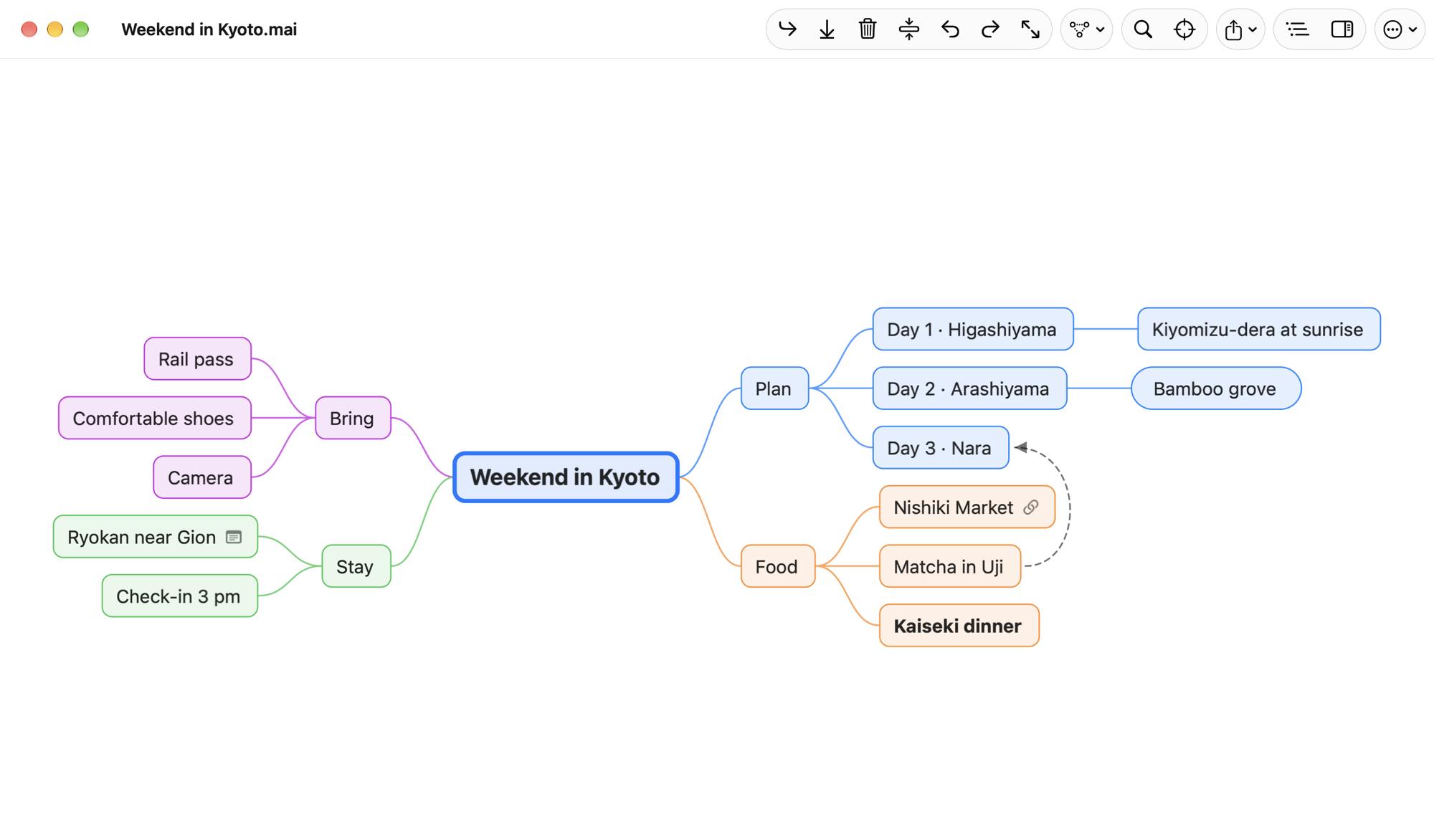
One app for Mac, iPad and iPhone, including the foldable iPhone Duo. It looks and works the way Apple's own apps do, keyboard shortcuts and all.
Share a map and anyone with the link sees it in a browser as it changes. People you invite can edit it there with you, live.
Change a map on two devices, even offline. Mai Map keeps everyone's edits and fits them together, with no "which version?" questions.
Opens maps from Xmind, MindNode, iThoughts, FreeMind and Freeplane, OPML and Markdown, and tells you what came across.
Every map is a file in iCloud Drive or on your device. Export it as an image, a PDF, Markdown or OPML whenever you like.
Automatic layouts, an outline beside the map, focus on one branch, and find. It stays smooth with thousands of topics.
Maps live on your devices and in your own iCloud Drive. Only the maps you share are kept on our server, and deleting your account deletes them. The apps count how they're used, anonymously, so we know what to improve; you can turn that off. No ads, and your data is never sold.
Read the privacy policy